Add a New Cluster to the Cluster Model in Console
Introduction
Sometimes we create a new cluster and other teams (for example, Gherghi or ETC) need access to the cluster details. In these cases, we should add the cluster information to the Cluster model in the Console (Django Admin).
This guide explains how to add a new cluster and how to fill in the required fields.
Step 1: Open Django Admin
Go to the Console Django Admin page:
https://admin.hamravesh.ir/backstage/admin/
Then, find the Cluster model under the ACCOUNTS category.
Make sure you have access to the Clusters model and the Cluster Plans model.
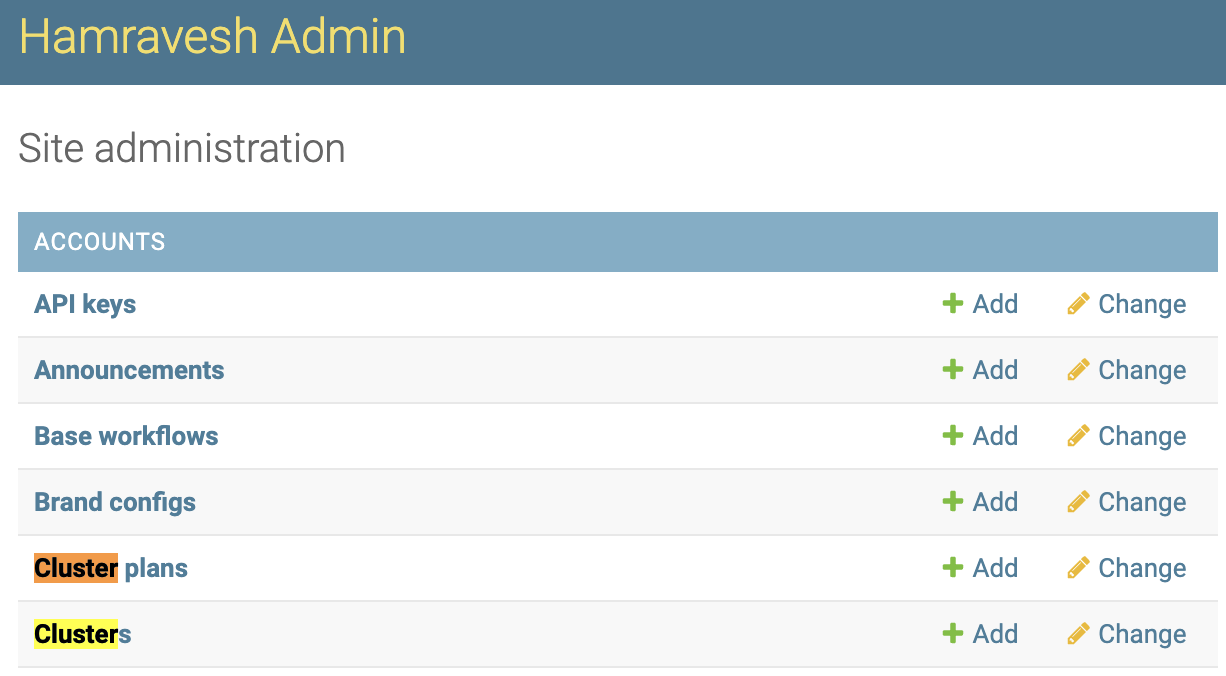
After opening Clusters, you can add a new cluster. In the next steps, we will go through how to fill the fields.
Step 2: Fill Cluster Fields
Fill in the fields as described below.
Name
Use the given cluster name.
Example: hamravesh-c13
Ingress hostname address
TODO
Cluster plan
The default plan is usually Zero, but please confirm with one of the GoW team members.
SOCKS URL
The format should look like this:
socks5://[username]:[password]@[load-balancer-ip]:[port]
To find the username and password, run:
kubectl -n platform-system get deployment cluster-remote-proxy-dante -oyaml
In the deployment env, look for USERNAME and USERPASS.
To find the IP and port, run:
kubectl -n platform-system get svc cluster-remote-proxy-dante
Use:
EXTERNAL-IPas the IPnode-portas the port
If the username and password are not set, contact one of the GoW team members.
Auth token
To fill this field, run:
kubectl -n platform-system get secret console-admin-token -oyaml
Then extract the token value.
For convenience, you can install the kubectl view-secret plugin:
More information
API server URL
Get this value from the Podolica database and fill it like this:
https://Remote-Proxy-IP:port
Public API server URL
Run:
kubectl -n default get ing k8s-api-server
Outgoing IP
Same as Remote-Proxy-IP.
IPAM IP tenant name
Use:
Hamravesh
K8s version
Set the Kubernetes version of the cluster.
Apps custom base domain
Use this pattern:
cXX.darkube.app
Example: c124.darkube.app
Location datacenter
Example values: Parsonline, Asiatech, etc.
Step 3: Final Review
If this is your first time, double-check everything with one of the GoW team members.
For any fields not mentioned above, ask a GoW team member, since those fields may vary depending on the cluster.