Reserve an IP for a Purpose
Introduction
Sometimes you need to reserve and assign an IP for a specific purpose (for example, for a node, service, load balancer, etc.). This document explains how to do that.
Public IP
To find and allocate an available public IP:
-
Log in to IPAM: https://ipam.hamravesh.ir
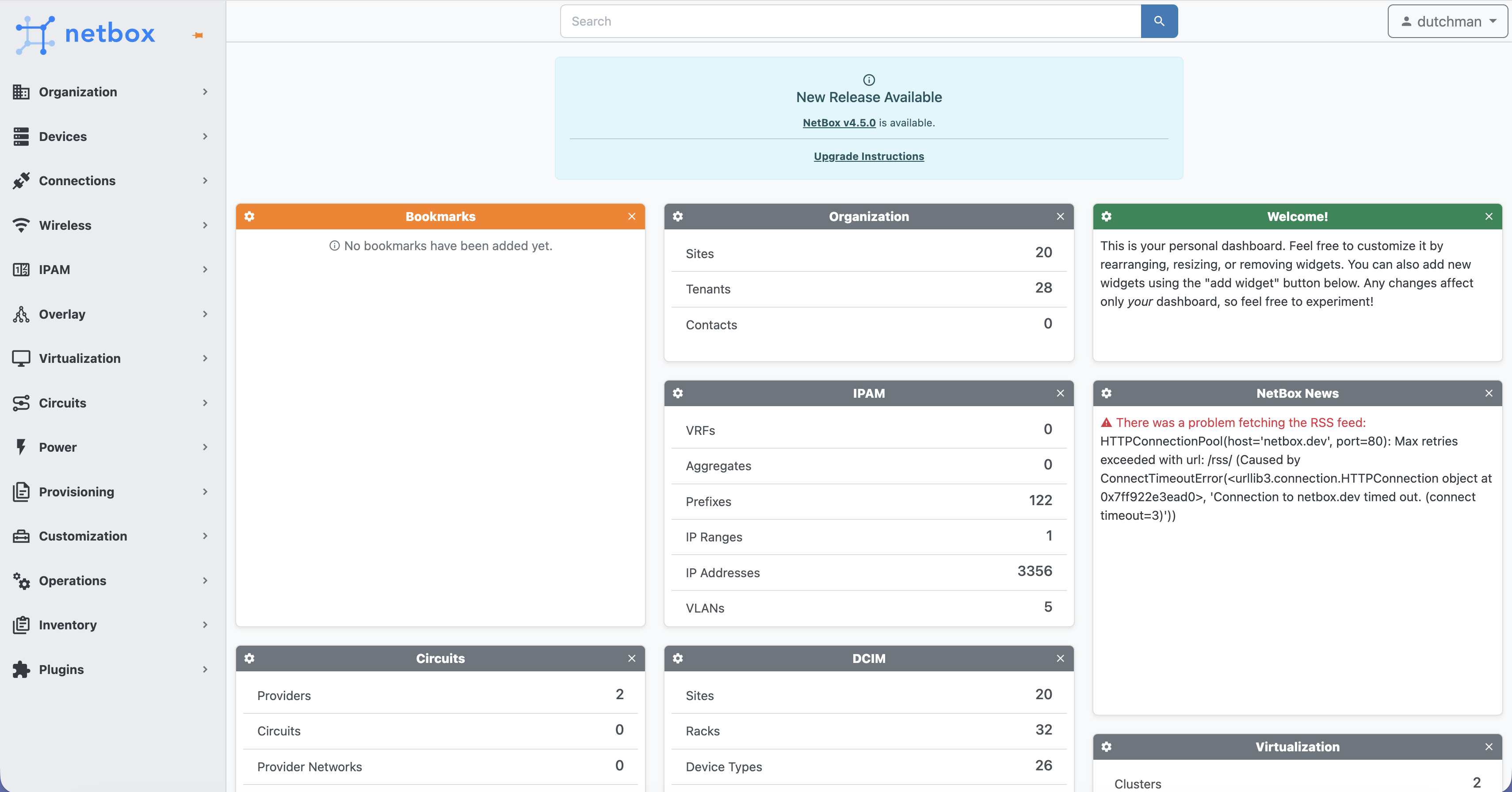
-
Open the IP Addresses section:
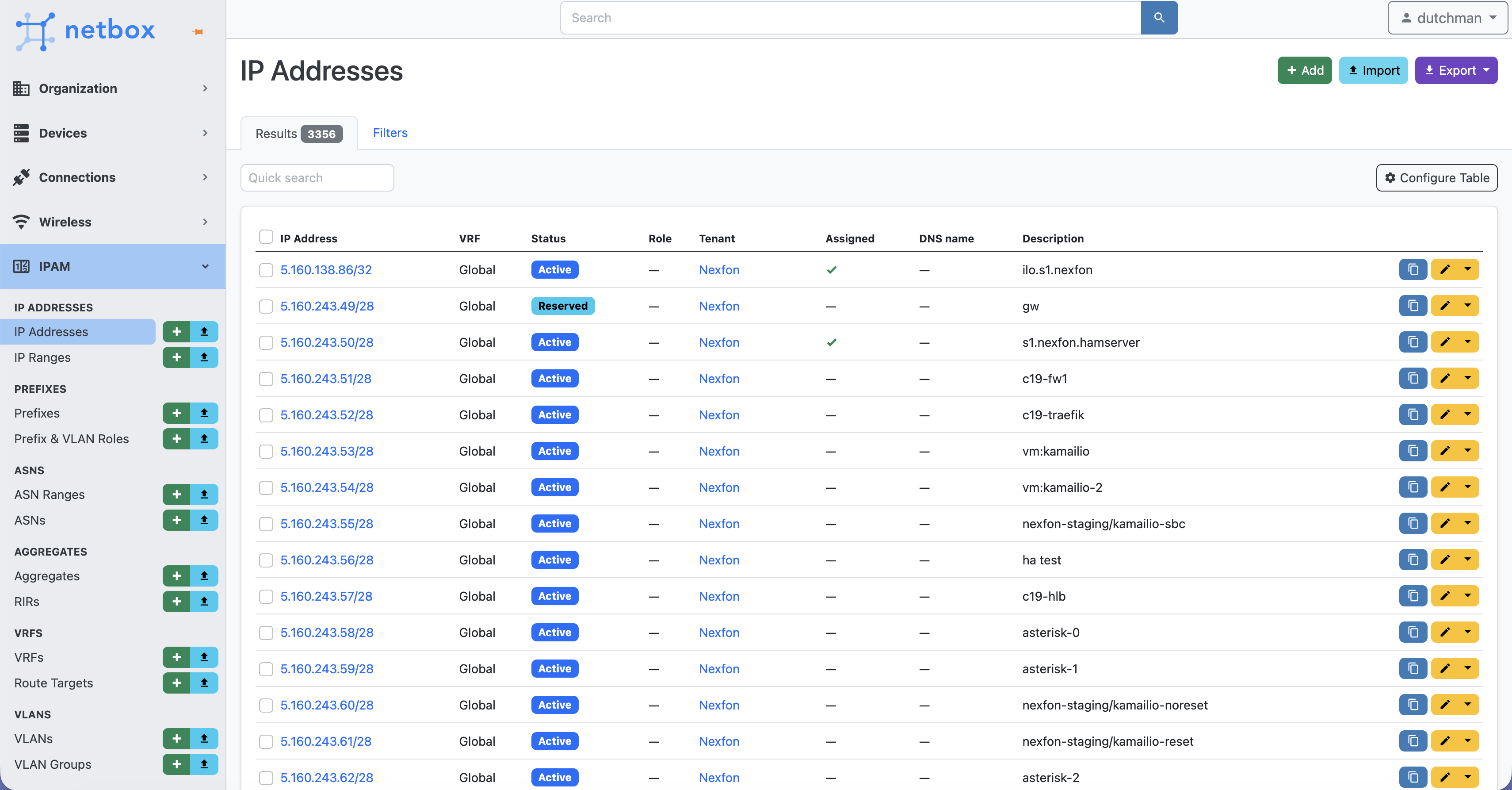
-
Filter by the tags you need and review the results:
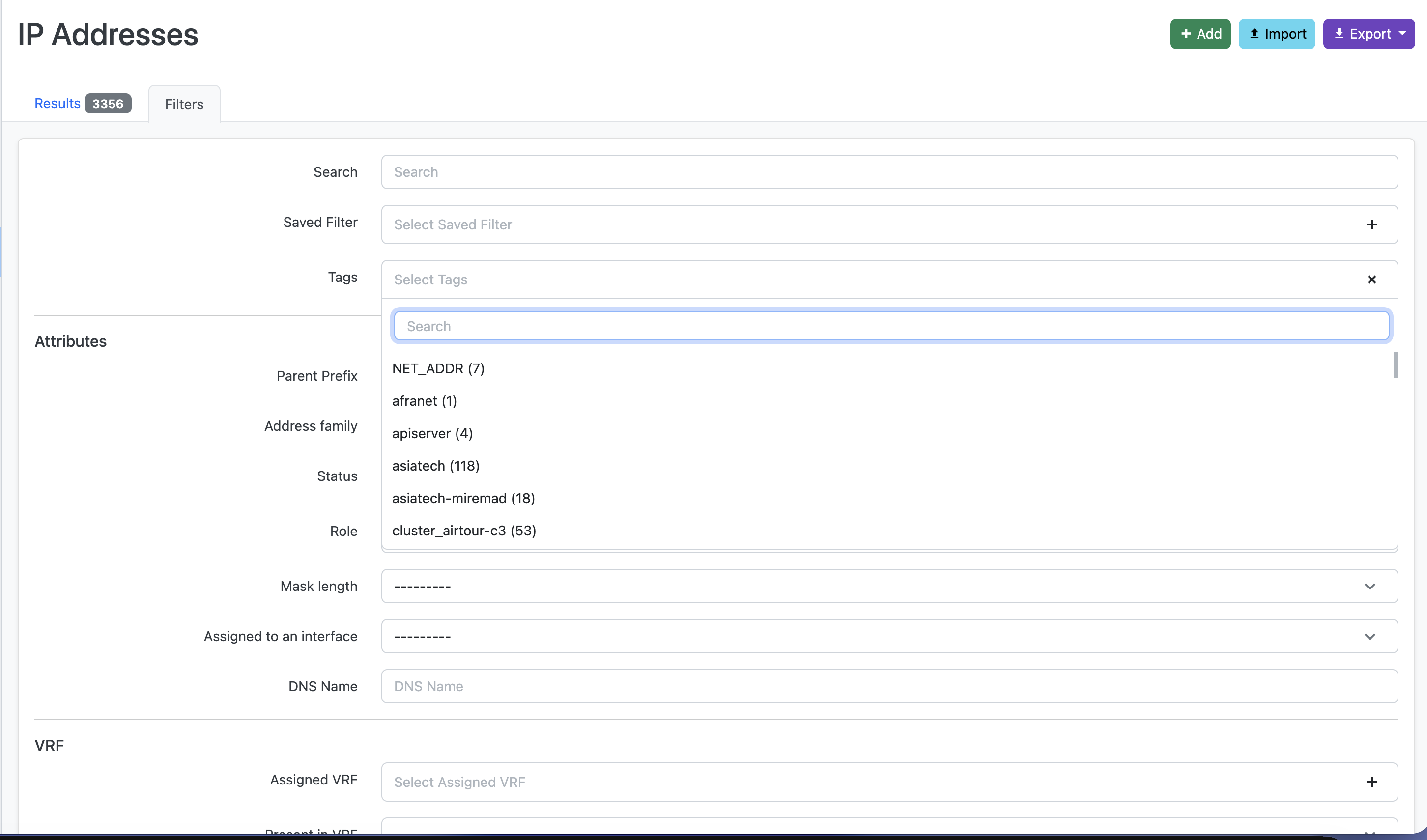
-
Find an IP with the status Reserved:

-
Select the IP and click Edit:
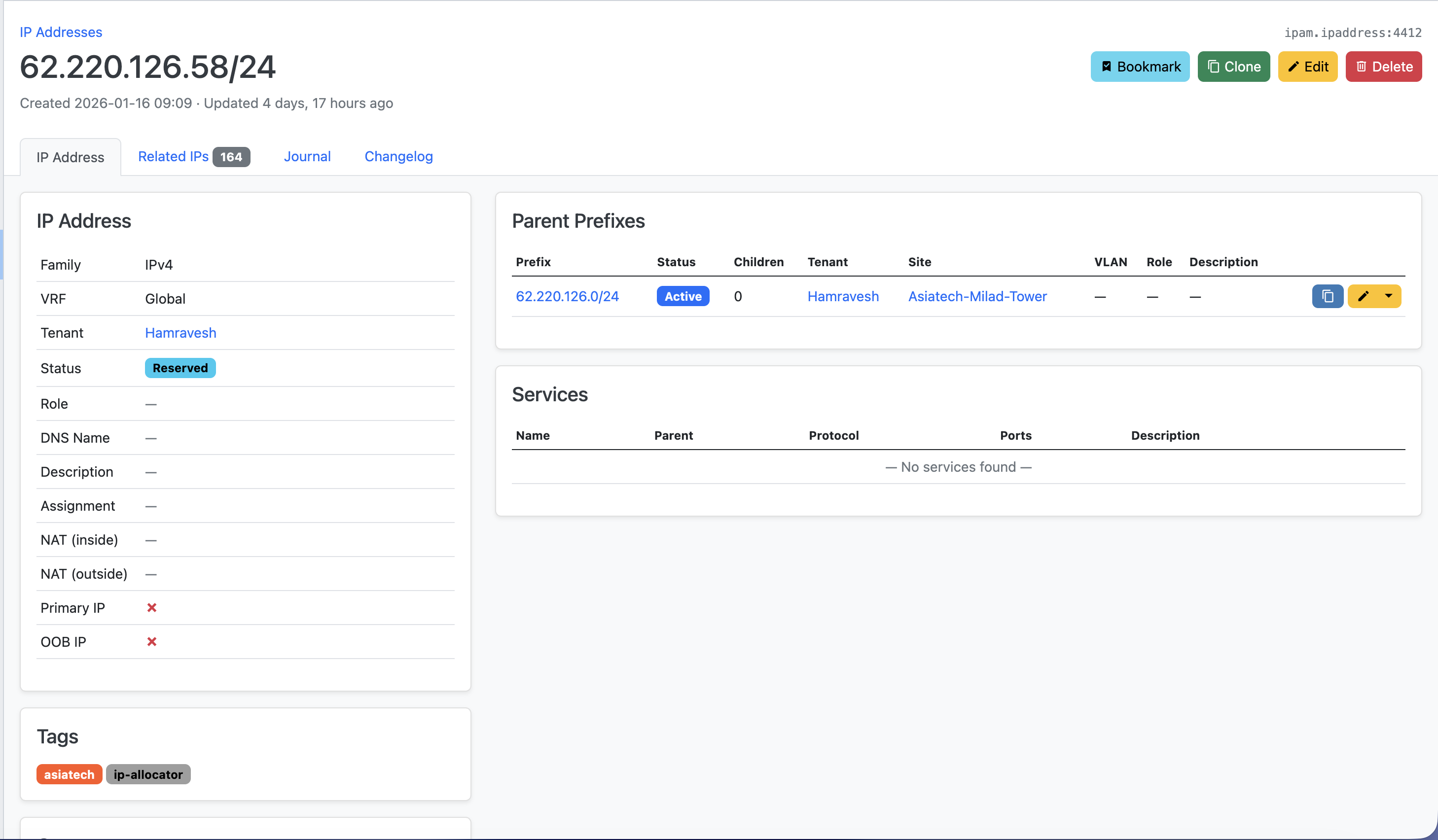
-
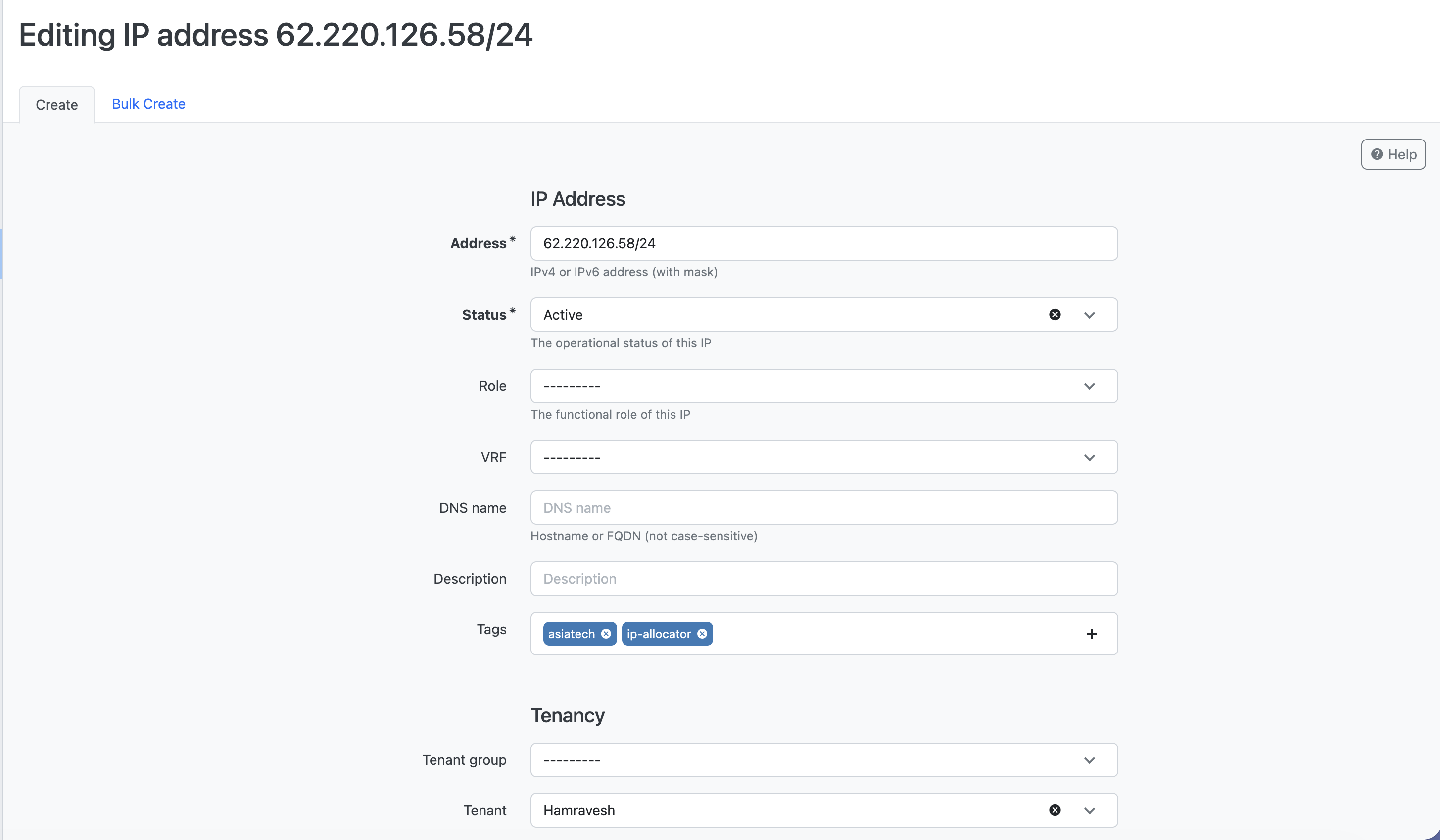
Update the IP fields:
- Set the required tags
- Add a clear description
- Change the status from Reserved to Active
Private IP
Private IPs are also managed in IPAM, but the IPAM instance is private and must be accessed via port-forwarding.
Access IPAM (NetBox) via Port Forward
Use the following cluster and namespace:
cluster    -> hamravesh-c18
namespace  -> hamravesh-k8s
- List services in the namespace and find the service named
netbox:
kubectl -n hamravesh-k8s get svc
- Port-forward the service:
kubectl -n hamravesh-k8s port-forward svc/netbox 8080:80
- Open the UI in your browser:
http://localhost:8080
Credentials
The login credentials are stored in the netbox secret under the manually_defined_user field:
kubectl -n hamravesh-k8s get secret netbox -oyaml
After logging in, the procedure is the same as for public IPs (find a reserved IP, then tag it, describe it, and set it to Active).